

#1 Product of the Day
The CRM with quick setup and intuitive interface
Effortlessly manage your business with a CRM that adapts to your needs. Fast setup, intuitive navigation, and customizable features designed to simplify your workflow

Boost Team Productivity Streamline tasks and focus on what matters
Tailored for Your Needs Custom tools that grow with your business

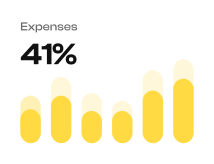



Stay one step ahead with AI
Ideas to tasks in seconds
Transforming your thoughts, meeting notes, or ideas into actionable tasks with minimal effort.
Create emails fast
Transforming your thoughts, meeting notes, or ideas into actionable tasks with minimal effort.
Generate and summarize content
Transforming your thoughts, meeting notes, or ideas into actionable tasks with minimal effort.
Automate repetitive tasks
Transforming your thoughts, meeting notes, or ideas into actionable tasks with minimal effort.
Seamless collaboration across teams
Transforming your thoughts, meeting notes, or ideas into actionable tasks with minimal effort.


Email Marketing
Centralize all your marketing activities and projects in one powerful platform.

Sales Automation
Automate your sales processes to improve efficiency, track leads, and close deals faster.

Contact management
Efficiently manage contacts and leads to capture every opportunity.

Integration third-party apps
Easily integrate with essential tools to streamline your workflow.

Analytics and reporting
Get insights with analytics and reporting for data-driven decisions.

Customer support
Boost customer satisfaction with tools for managing support requests.
Effortless Task Automation
Unlock Productivity with Smart Automation Tools
Ideas to tasks in seconds
Transforming your thoughts, meeting notes actionable tasks with minimal effort.



AI-powered lead scoring
Automatically prioritize leads based on their likelihood to convert, helping sales teams focus.
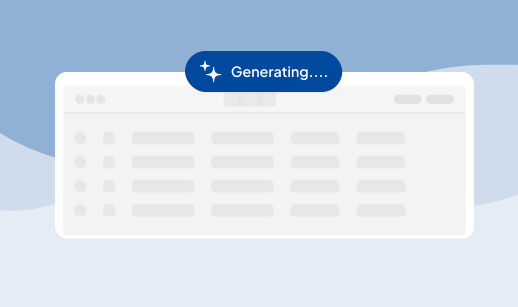

Effortless Task Automation
Fit your sales cycle with ease
Streamline your sales pipeline, tailor deal stages, and effortlessly manage client interactions—Mondai helps you build a sales process that’s as unique as your business.
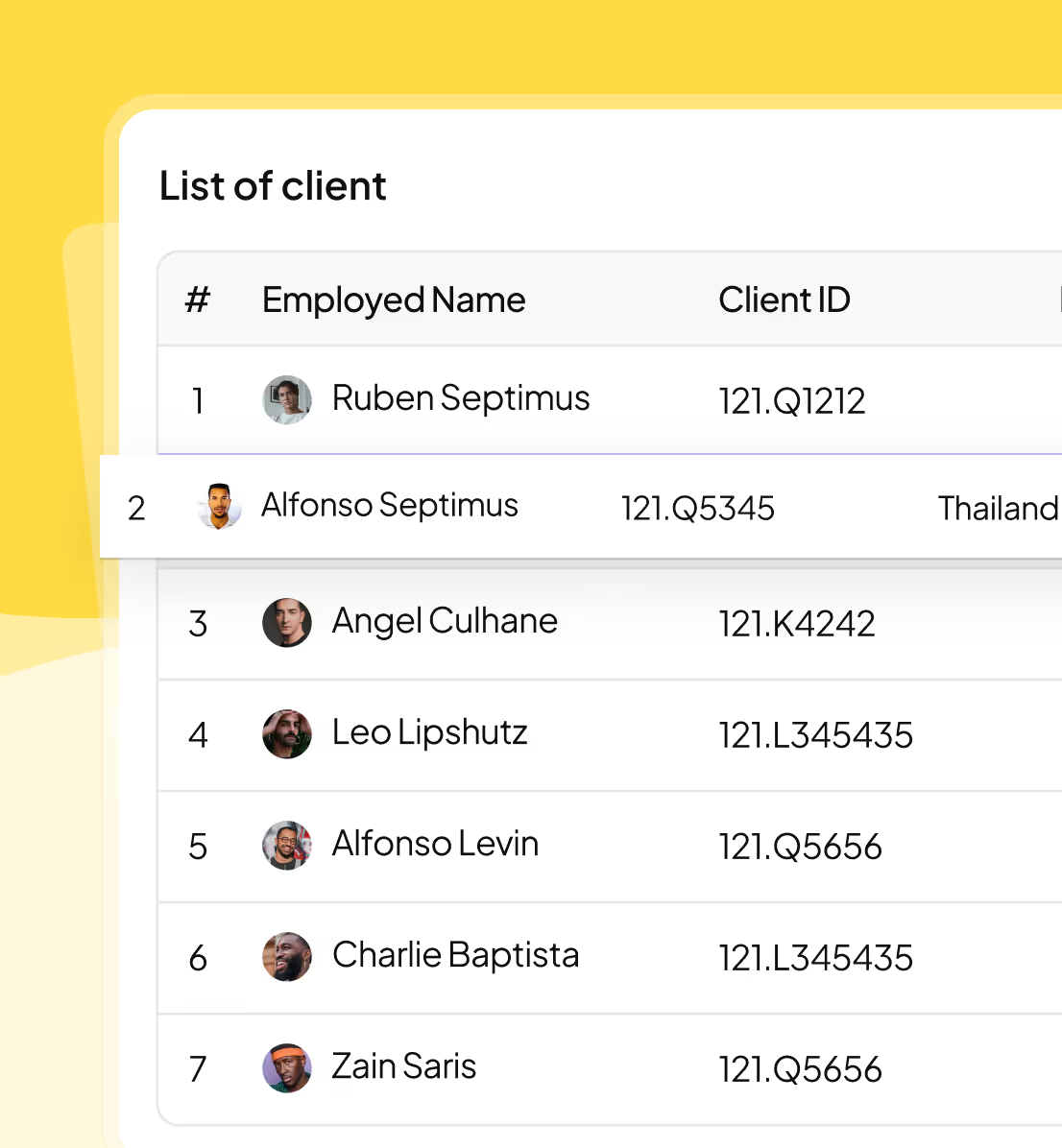
Experience Mondai CRM in Action

We've been using HR Dashboard for over a year now, and we're still finding new ways to use it to improve our HR operations.
Ryan Workman
HR Director, Delta Consulting
Handling customer management has never been so streamlined – I wholeheartedly endorse this tool for any expanding business.
James Schleifer
HR of Nata.Co
The CRM features have truly revolutionized our approach and have significantly boosted our business growth.
Cooper Carder
Chief Marketing Officer
A year into using the HR Dashboard, and we’re still uncovering new possibilities for advancing our HR functions and even more effective.
Ahmad Franci
CEO, Mega. Co
With a year of marketing dashboard use under our belts, we’re still finding innovative and elevate our strategies effectively.
Kadin Donin
HR of Space Up
Frequently Answer Questions
How Can I Access The Lumora Team Management Dashboard?
You can add team members by inviting them via email or adding their details manually.
Where Can I Find Help Using The Lumora Team Management Dashboard?
You can add team members by inviting them via email or adding their details manually.
How Do I Add Team Members To The Lumora Team Management Dashboard?
You can add team members by inviting them via email or adding their details manually.
How Can I Upgrade To A Higher Plan?
You can add team members by inviting them via email or adding their details manually.
How Can I Contact The Lumora Support Team?
You can add team members by inviting them via email or adding their details manually.
Effortless Task Automation
Based on 1,000+ G2 Crowd reviews, Mondai CRM is a game-changer



